
How Do I Log Into My Account?
This article is for all Casting Networks users, including Talent, Talent Representatives, Casting Directors, and Project Creators. Here, you'll find a complete guide on how to log in to your account using your email and password or your Google account (SSO).
Logging In With Your Email and Password
Follow these steps to log in to your account using your registered email address.
Navigate to the Casting Networks login page.
Enter the email address associated with your account in the username field. Please note that you must use your email address to log in, even if you previously used a custom username.
Enter your password.
Click Log In.
Note: If it has been a while since you last accessed your account, it may no longer be active. If you have trouble logging in, please contact our support team.
Logging In With Google (SSO)
You can use your Google account to log in to Casting Networks quickly and easily. This feature, known as Google Single Sign-On (SSO), saves you from having to manually type your credentials each time.
On the login page, select the Continue with Google option.
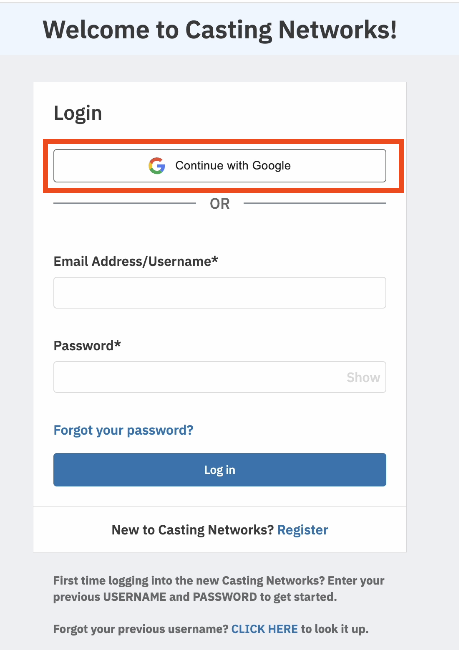
You will be prompted to choose a Google account. Select the account you wish to use to log in.
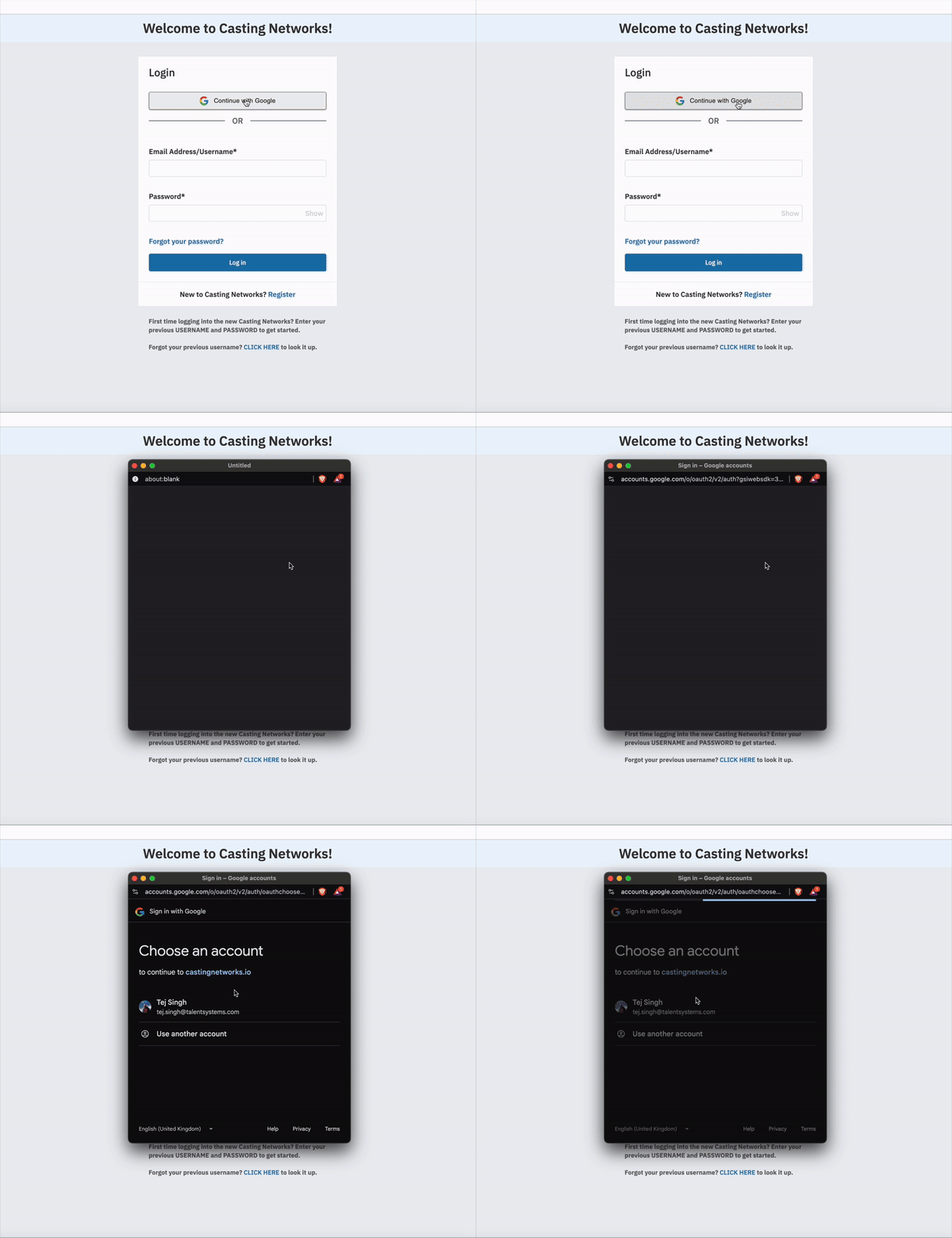
After making your selection, choose Continue. The page will load, and you will be logged in to your Casting Networks account.
Frequently Asked Questions (FAQs)
How do I reset my password?
Check out the step by step process on resetting your password here.
What if I used a username to log in before?
Moving forward, you must use the email address associated with your account to log in successfully. Custom usernames are no longer used for login.
For Talent: If I'm located in different cities, do I need multiple profiles or log-ins?
No. If you spend a significant amount of time in several cities, you can indicate this on your single profile. At the top of ‘Your Profile,’ you can see and update the Primary Working Location for your profile.
For Talent Representatives: I work for multiple divisions of the same company, do I need multiple log-ins?
No, a single account can have access to multiple divisions within your company. To switch between divisions, click on your name or the company name in the top right corner of the screen. This will display all divisions your account currently has access to. If you need to be added to a division, please have your company’s main contact reach out to our support team for assistance.