
TALENT REPRESENTATIVE: How do I share an individual talent profile?
This article explains how to share an individual talent's profile via a direct link to anyone outside of Casting Networks. This is helpful when you need to quickly send a specific profile to a casting director, producer, or other collaborators.
Sharing a Profile Link
Follow these steps to generate and share a unique link for your talent:
Navigate to the Talent section located at the top of the page.

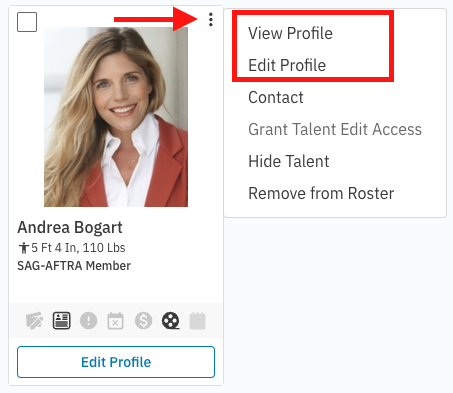
Locate the talent you wish to share. Click the three dots in the upper right-hand corner of their picture. Select either View Profile or Edit Profile from the dropdown menu.
Once on the profile page, click the Copy Shareable Profile Link button located in the upper right-hand corner.
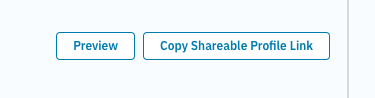
The link is now copied to your clipboard. You can paste this link into an email, chat, or text message to share it. Alternatively, paste it into your web browser's URL bar to view the public profile yourself.
How to Paste the Link
If you need help pasting the link you just copied, you can use keyboard shortcuts or your mouse:
Keyboard shortcuts:
PC: Press Ctrl + V
Mac: Press ⌘ + V
Right-click: Right-click the area where you want to put the link (like an email body), then select Paste from the menu.
Sharing Multiple Profiles
If you need to share more than one talent profile at a time, our Packages feature is the best tool for the job.
See the guide here: How do I create and share a package?