
TALENT: I also have a Project Creator account - how do I switch to that view?
Edited
This article explains how to switch views if you have both a Talent profile and a Project Creator account under the same login.
Switching Views
If you are currently logged in to Casting Networks and see your Talent view but wish to access your Project Creator tools (or vice versa), please follow these steps:
Log out of your account.
Log back in using your credentials.
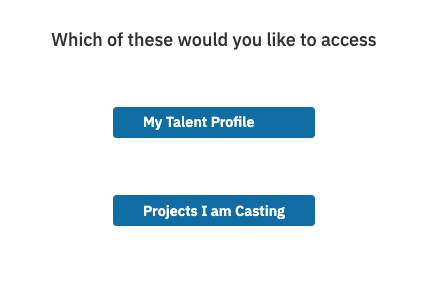
Upon login, you will be prompted to select your destination:
Select Project Creator to access the Project Creator view.
Select My Talent Profile to access the Talent view.
Once logged in as a Project Creator, your account will display any projects you have created.
Talent
Actor
Project Creator
Was this article helpful?
Sorry about that! Care to tell us more?