
TALENT REPRESENTATIVE: What Is the Legal Language Field?
As a representative or agent, you may now see a Legal Language section on certain Casting Networks projects. This is a new optional field that casting directors can use to include compliance-related text, legal requirements, or contractual language directly on the project.
If a casting director has added legal language to a project, you will see it displayed automatically. If no legal language has been entered, you will see no change — the project will look exactly as it does today.
Where Will I See Legal Language?
Legal language will appear on projects where the casting director has chosen to include it. You may see it in the following locations:
Project overview page — when viewing project details
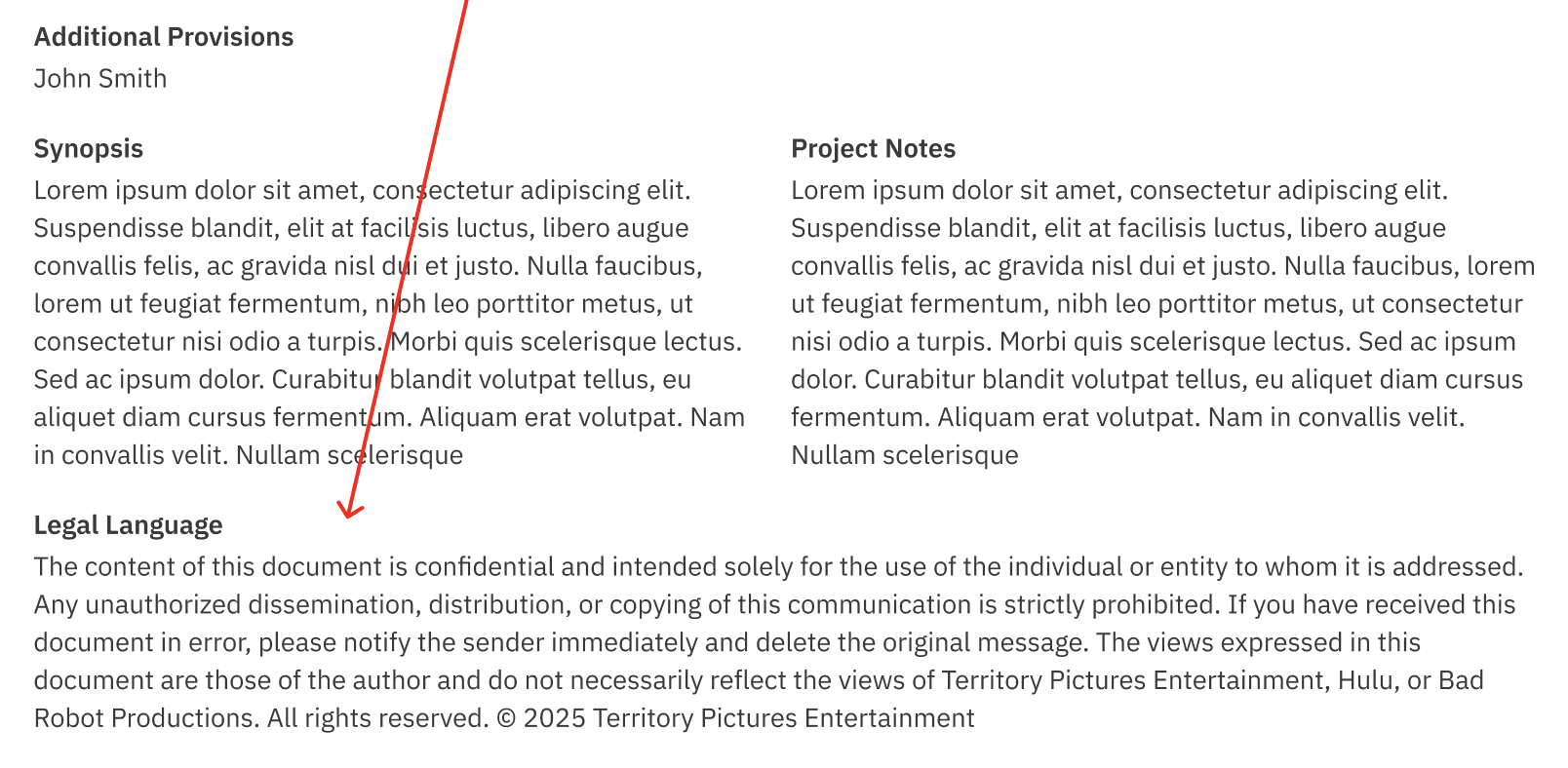
Project overview report — in shared or exported project reports
Project theatrical report — for theatrical project listings
Published project notification emails — when a project is published or updated, any legal language will be included in the email sent to you
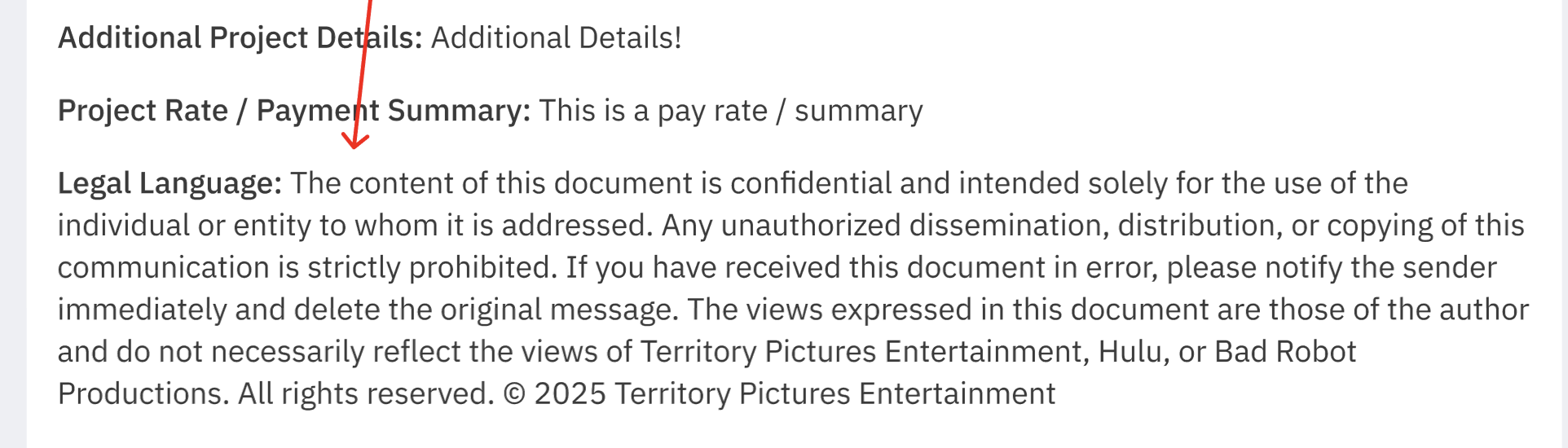
Why Am I Seeing This?
Casting departments and studios sometimes need to communicate legal requirements, compliance disclosures, or contractual language as part of a casting project. This feature gives casting directors a standardized way to share that information with everyone who views the project — including you and the talent you represent.
This ensures that all parties have access to the same legal and compliance information directly within the project record.
What Should I Do With This Information?
Review it carefully. Legal language may contain important compliance requirements, contractual terms, or disclosures relevant to your clients.
Share with talent as needed. If the legal language affects your clients, ensure they are aware of it.
Contact the casting director with questions. If anything is unclear, reach out to the casting director directly for clarification.
Frequently Asked Questions
Will I see legal language on every project? No. The Legal Language field is entirely optional. Casting directors only use it when their project requires legal or compliance disclosures. Projects without legal language will look exactly as they always have.
Where will I see the legal language? You may see it on the project overview page, in project reports, and in published project notification emails sent to you.
Can I hide or remove the legal language? No. Legal language is set by the casting director and is part of the project record. If you have concerns about the content, contact the casting director directly.
What if the legal language is unclear or I have questions? Reach out to the casting director or production contact listed on the project. They can clarify the legal language or provide additional documentation if needed.
Will I be notified if legal language is added to a project I've already viewed? If the project is republished after legal language is added or updated, the new legal language will be included in the republished notification email sent to you.