
TALENT REPRESENTATIVE: How do I complete a form in a Media Request?
When you receive a Media Request, a Casting Director may include a form to gather specific information or experience they are seeking for the project. As a Talent Representative, you can choose to either complete the form for your talent or forward it along to your talent to complete.
This article will guide you through how to complete the form and point out key information to keep in mind.
Important Notes Before You Start
There are two important things to keep in mind when completing a media request with a form:
You can submit your responses to the form without having to upload media to the request. If you upload the media first, you can come back to the request and submit your form responses afterward.
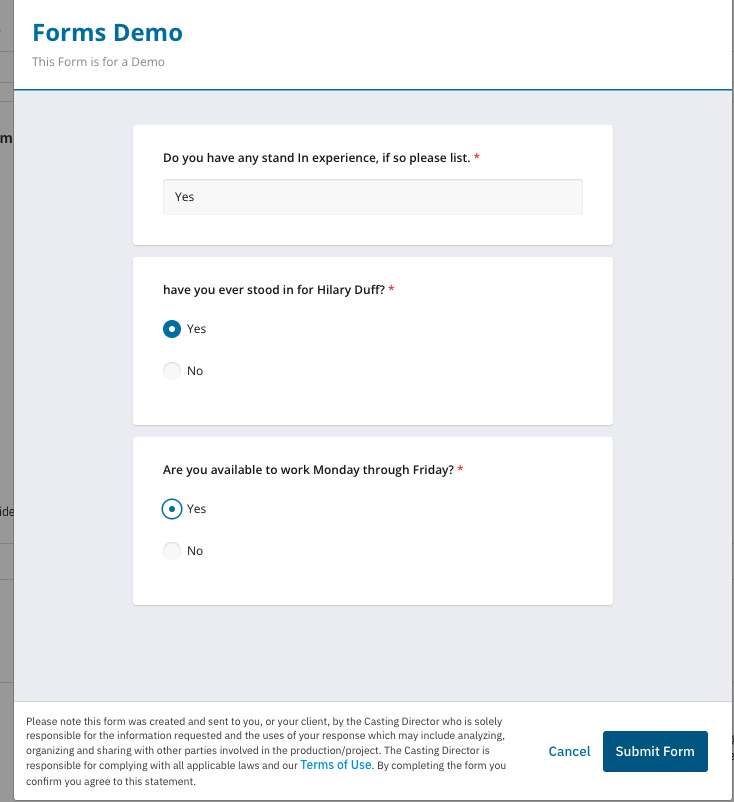
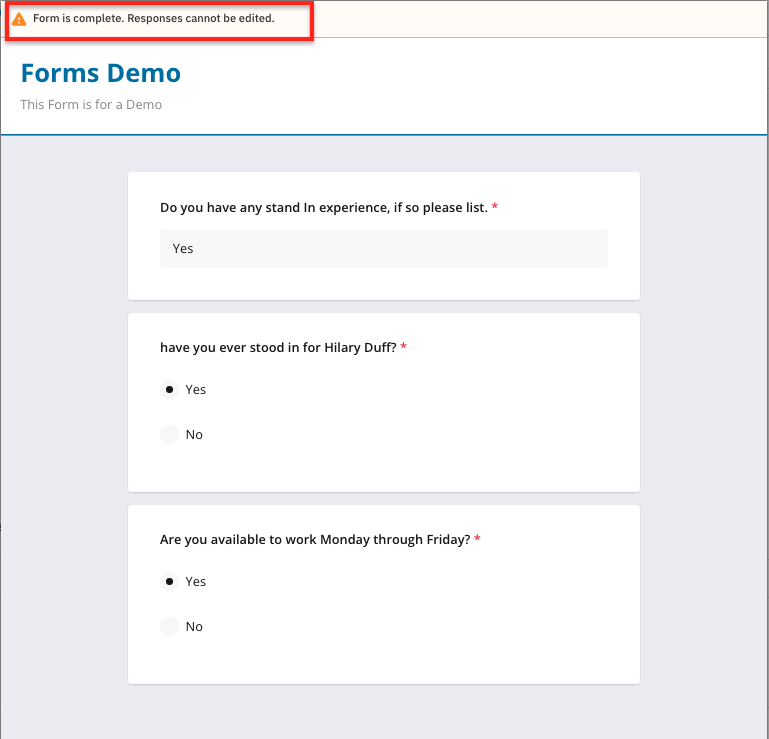
Once the form is submitted, the responses CANNOT be updated. Please make sure to double-check responses before submitting in order to avoid errors.
How to Complete the Form
When receiving a media request with a form for your talent, you will notice it will show a form attached at the bottom of the Media Request.
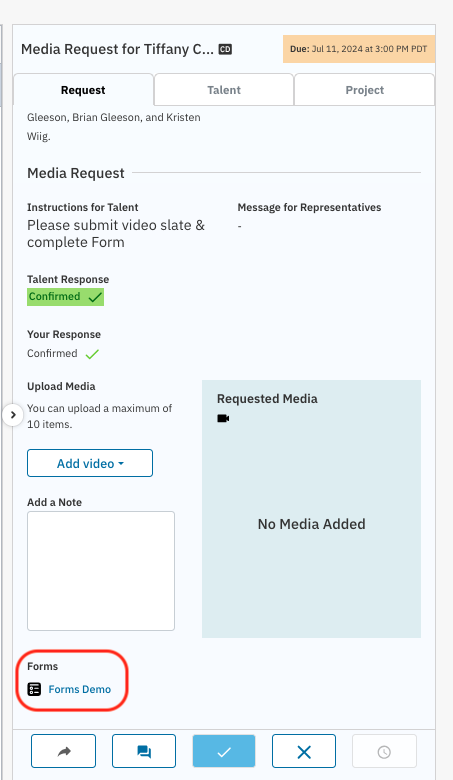
Click on the title of the form (the blue text under 'FORMS') in order to open the form. Answer the questions and select "Submit Form" on behalf of your talent.
Once the form is submitted, you may open it to review your answers, but answers cannot be changed.
Your form responses will automatically be sent to the Casting Director!