TALENT REPRESENTATIVE: How do I use Talent Scout to find talent?
This article explains how Talent Representatives can use the Talent Scout feature to search for and connect with talent who are actively seeking representation. Talent Scout allows you to search for talent who have opted in and specified the type of representation they are looking for.
How do I access Talent Scout?
When you log in to your account, you will see the Talent Scout tab.
Click the Talent Scout tab in the upper part of your screen.

How do I search and filter for talent?
You can search for talent by applying various filters to your search.

Select the filters you want to apply, such as Working Location or Union Status.
Once you have selected all of your filters, click the large blue button that says, “filter” to apply the selected filters to your search.
Talent will now appear in your search based on the filters you have applied.
How do I review a talent's profile?
Once talent appears in your search, you can review their specific details, notes, and media.
Viewing Pitch Notes
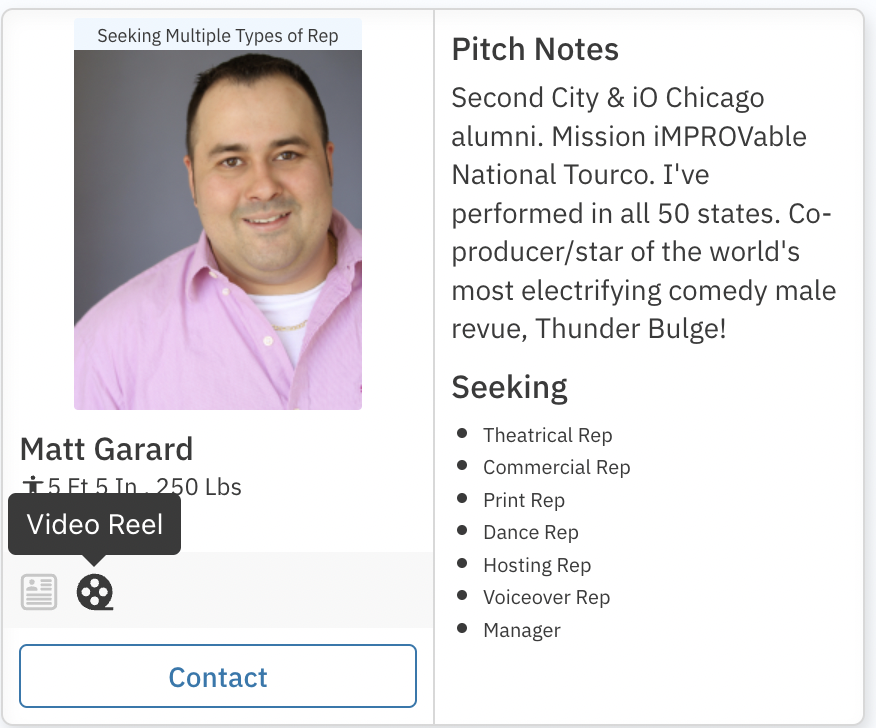
Talent can add pitch notes to their profile about the kind of representation they are looking for, or any other information they would like potential reps to see.
To view talents’ pitch notes, check the box in the upper right part of the search.

Viewing Reels and Resumes
To view a talent's media or documents:
Select the video/audio reel or PDF resume icons in the lower-left part of their baseball card.
How do I contact talent?
To reach out to a talent, simply click the contact button.
Once you have corresponded with a talent, you will see a note attached to their profile.

How do I view my correspondence history?
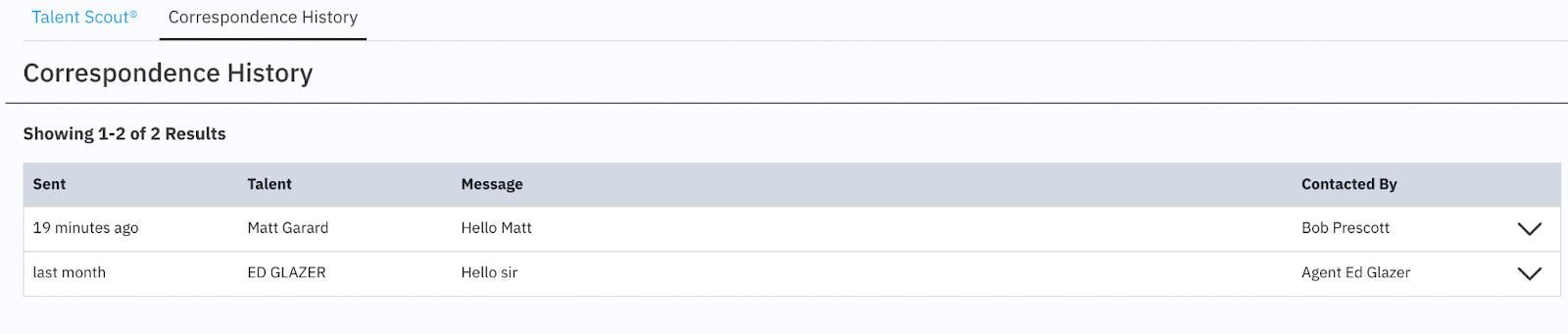
You can view all talent who you have corresponded with.
View your correspondence history by clicking the link in the upper-left part of the screen.