TALENT REPRESENTATIVE: How do I contact talent I've submitted or selected for a role?
This article explains how Talent Representatives can send messages to talent they have either submitted or selected for specific roles on Casting Networks. Whether you are coordinating auditions or providing updates, this guide ensures you can easily communicate with your talent.
Sending a Message to Talent
To send a message to talent regarding a specific project, please follow the instructions below:
Navigate to the specific role and choose either the talent you have Selected or Submitted.
Select the Contact Submissions button located in the bottom right corner of the page.
Note: If you are contacting talent from your selects, click the Contact Selections button.


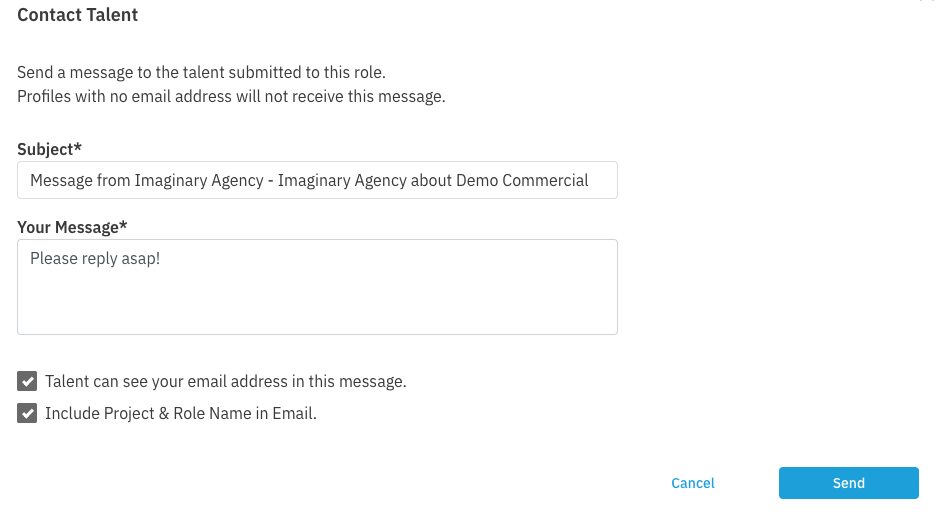
A message window will appear. You can change the Subject line and add your Message in the text box.
When you are finished composing your message, click Send.