CASTING DIRECTORS: How do I create and manage Voice-Over roles?
This guide explains how Casting Directors can set up voice-over roles to streamline the process for Casting, Representatives, and Talent.
How do I create a Voice-Over role?
If you'd like to see the process explained in a video, watch this short tutorial:
Create a project (any project type) as you normally would!
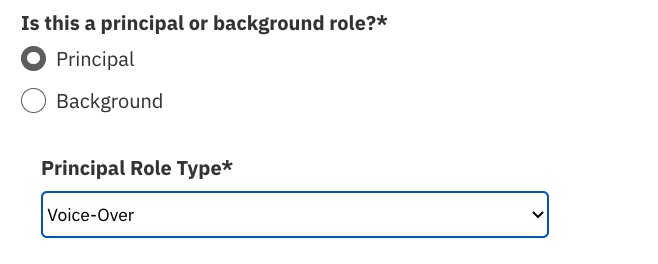
Add a role to the project. Select Principal as the role type, and Voice-Over from the dropdown menu.
When you reach the "Submissions Requirements" section, the system will auto-select “Audio” as the media type requested in the submission.
Note: This option cannot be removed when voice-over is selected as the role type. You MUST include media instructions to proceed (make sure to add sides to the role).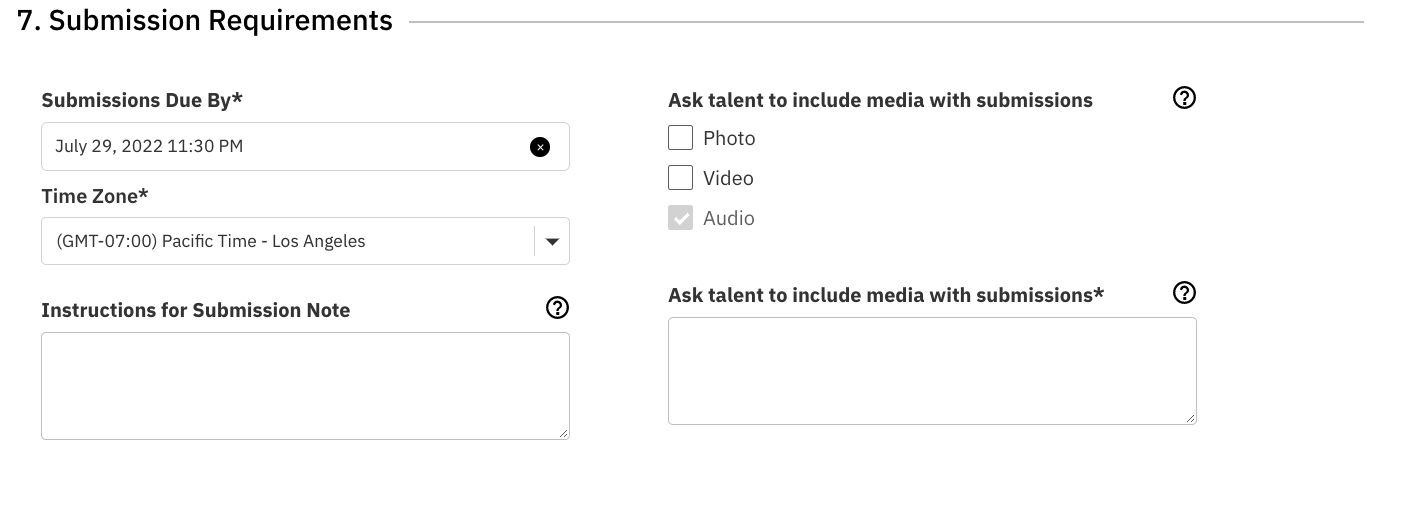
How do I review Voice-Over submissions?
When reviewing your role submissions, you can listen to audio files attached without having to open the profiles.
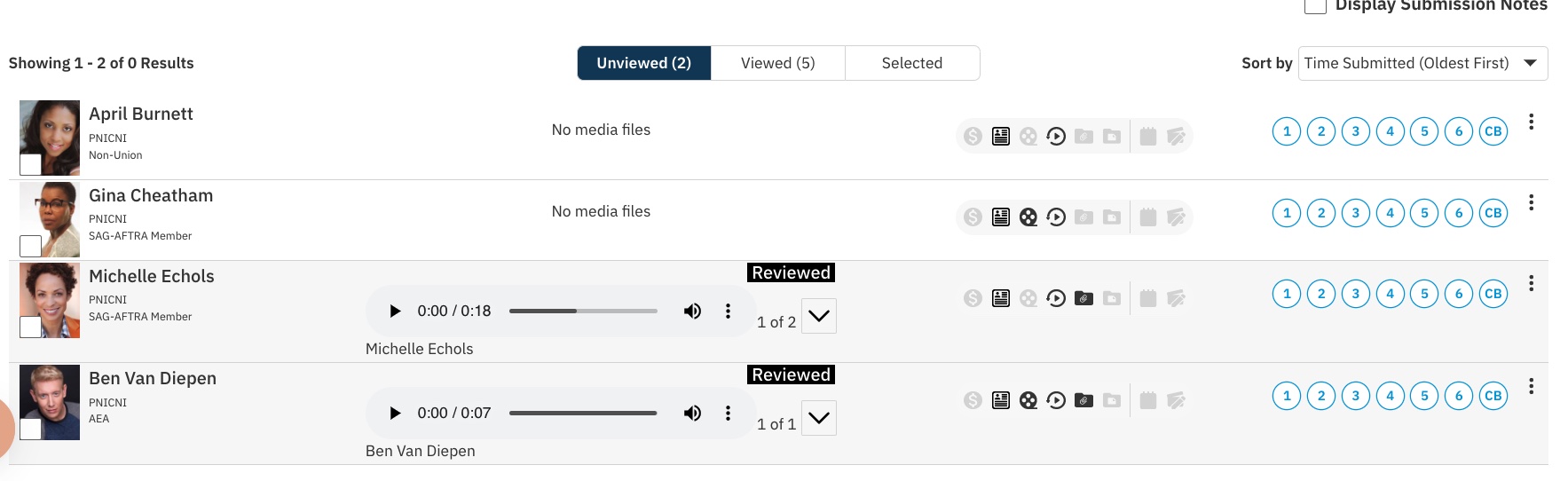
Once you select talent from submissions, navigate to the selected tab.
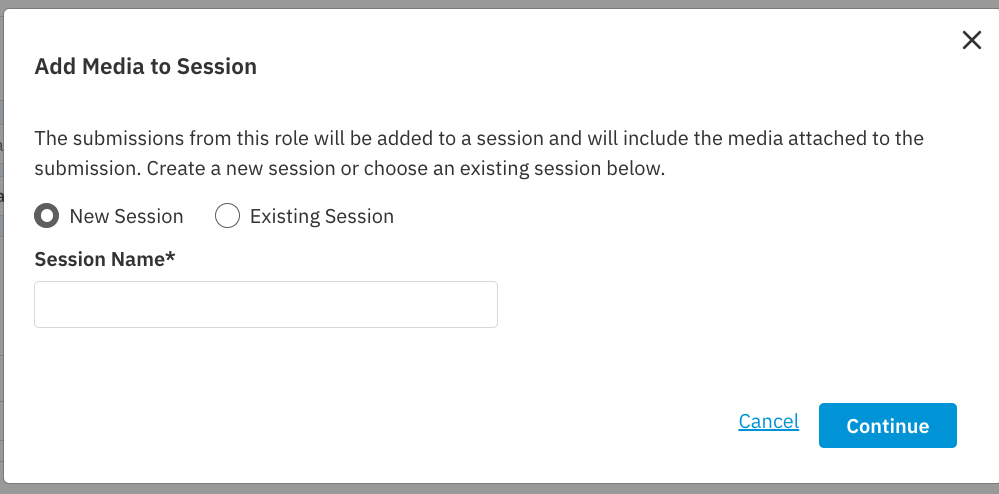
You can either share selects OR add the talent and media directly to a Session.
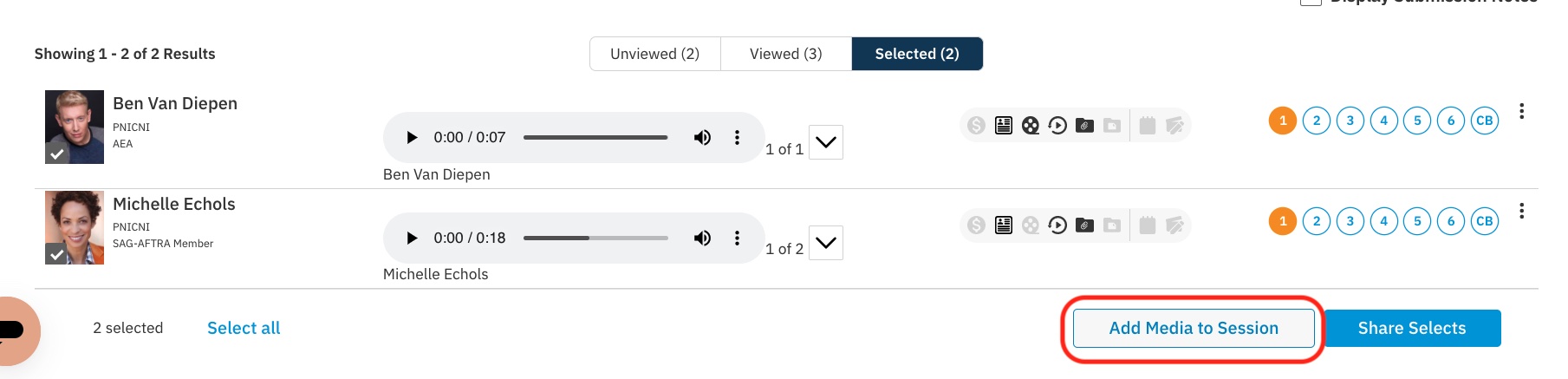
You can add the media to an existing session or create a new one!