CASTING DIRECTORS: How do I View Linked Social Media on Talent Profiles?
This article explains how to view social media platforms that talent have linked to their Casting Networks profiles.
Overview of Social Media links
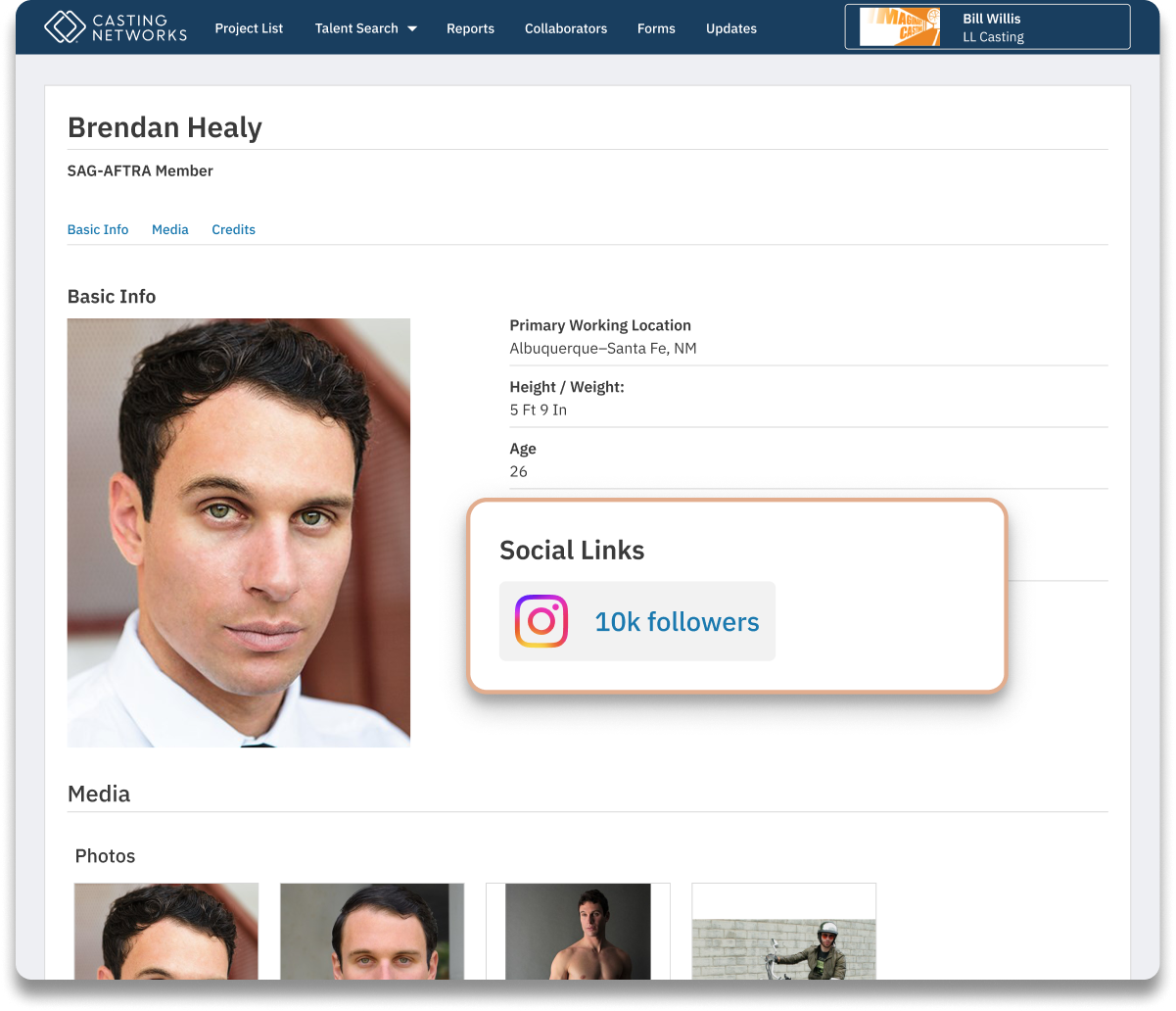
Talent with an active Premium Membership on Casting Networks have the opportunity to link their social media accounts to their Casting Networks profiles. This feature gives you, the Casting Director, the ability to easily access their social media accounts and view their audience metrics directly from their submission.
How to view
Go to Submissions
While viewing talent submissions within your Casting Networks project, look for the submission display settings.Enable Social Link Display
Check the box labeled "Display Social Links". This option controls whether social media metrics appear on talent summaries (also known as "baseball cards").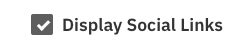
View Social Metrics
If the talent has linked their Instagram, YouTube, or TikTok, their follower count and subscriber count will appear directly on their baseball card.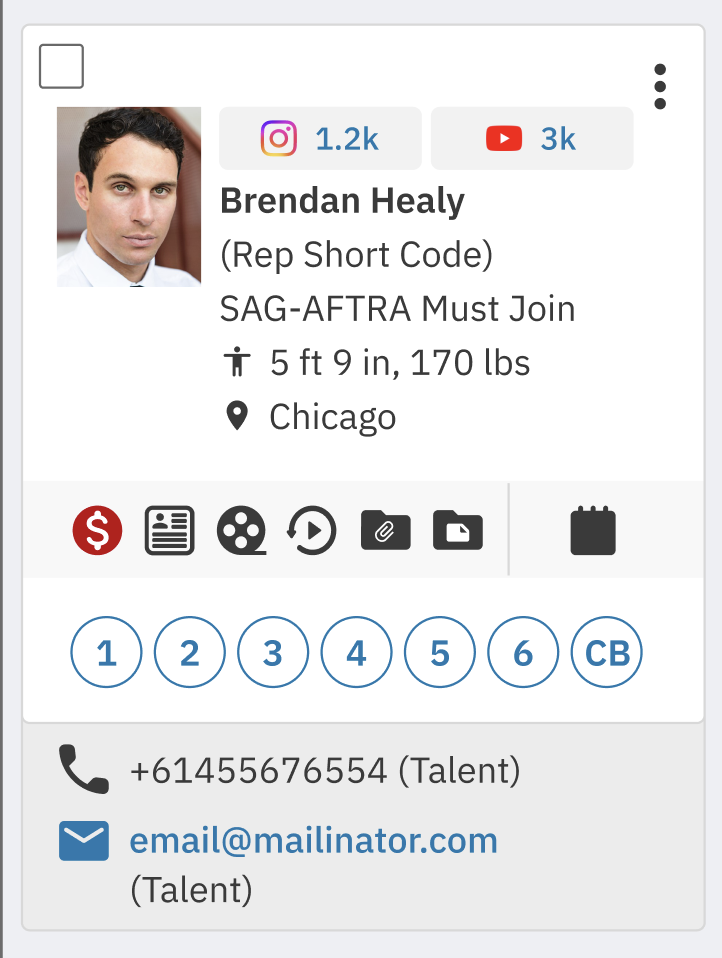
Access the Profile
When viewing the talent's profile, you can click the number to be taken directly to their Instagram, YouTube, or TikTok page.