TALENT REPRESENTATIVE: How do I use the Casting Networks iOS App?
The Casting Networks iOS App for iPhone is available to Talent Representatives! This article explains how to use the app to increase productivity by allowing you to receive and forward requests on the go.
Logging In
Log into the app with your Casting Networks username and password.
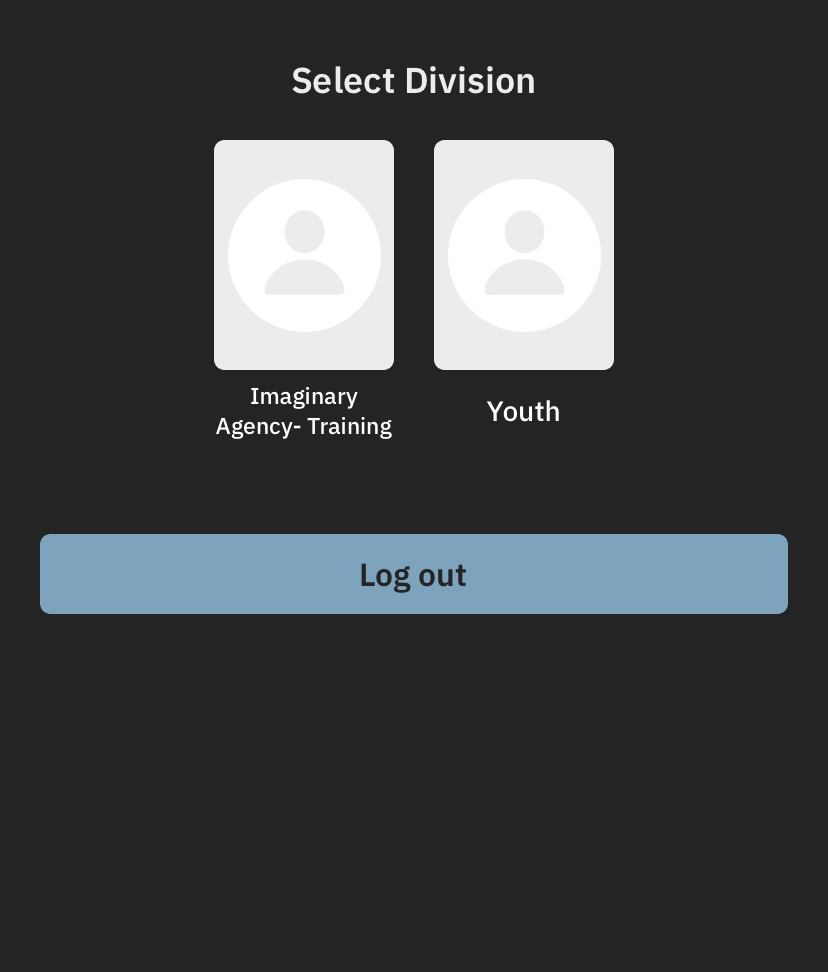
Select your division, if applicable.
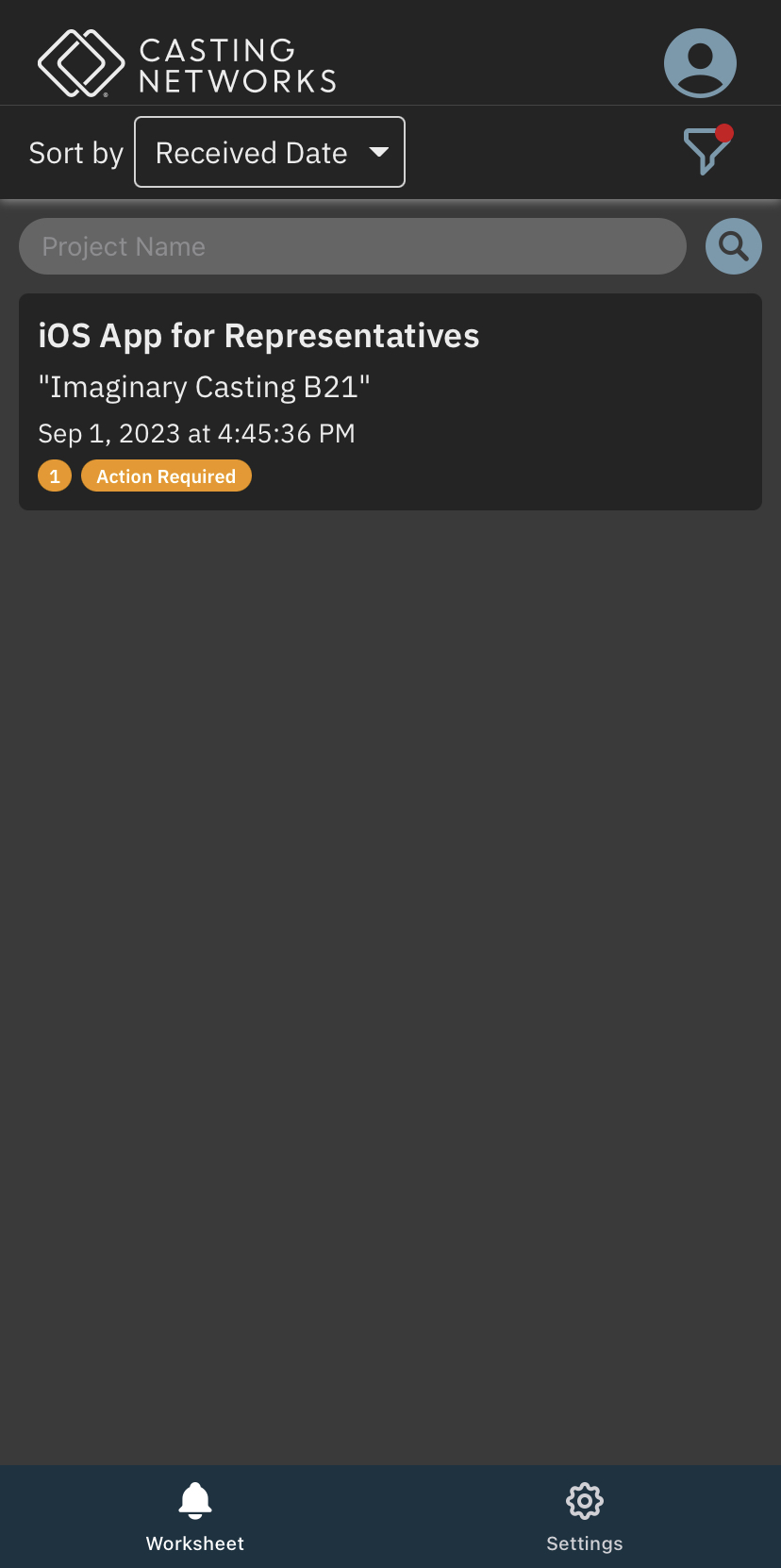
Navigating the Worksheet
From the main screen, you can view your Worksheet and adjust your Settings.
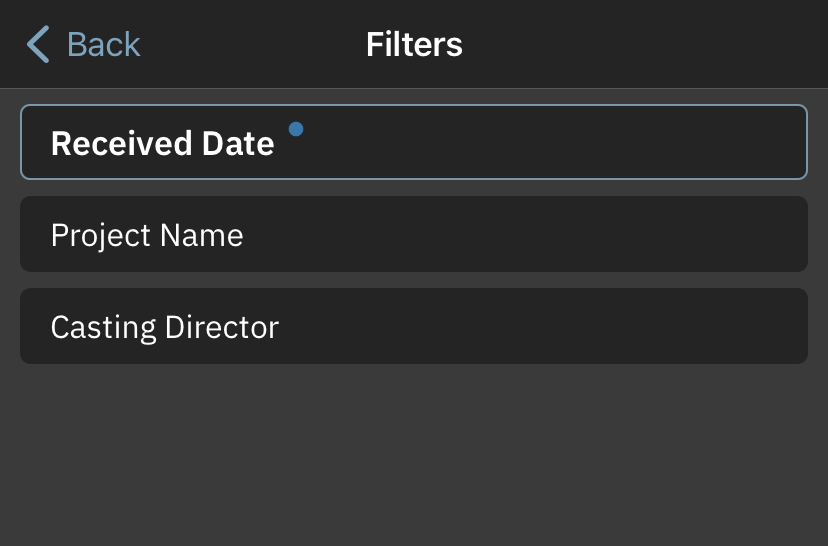
You can filter the Worksheet by the following categories:
Received Date
Request Status
Request Type
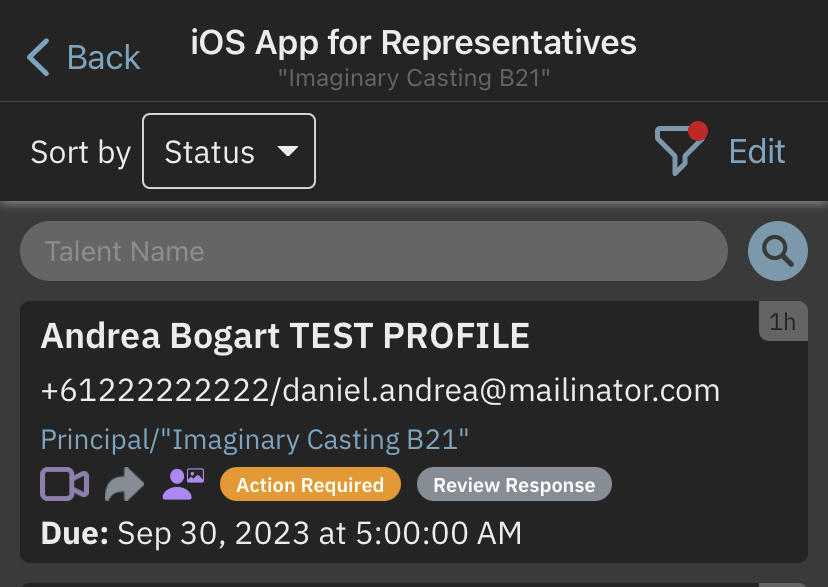
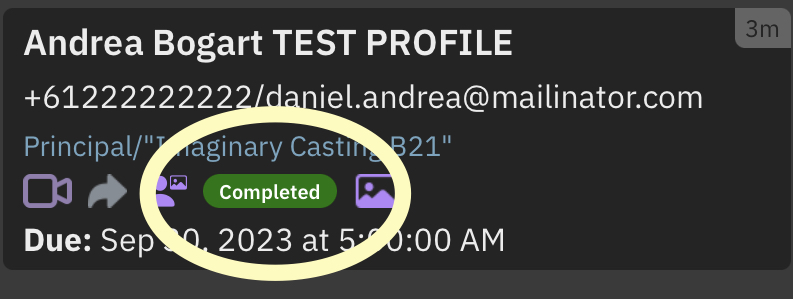
Similar to the website, requests will be labeled with their status:
Action Required
Pending
Completed
Managing Requests
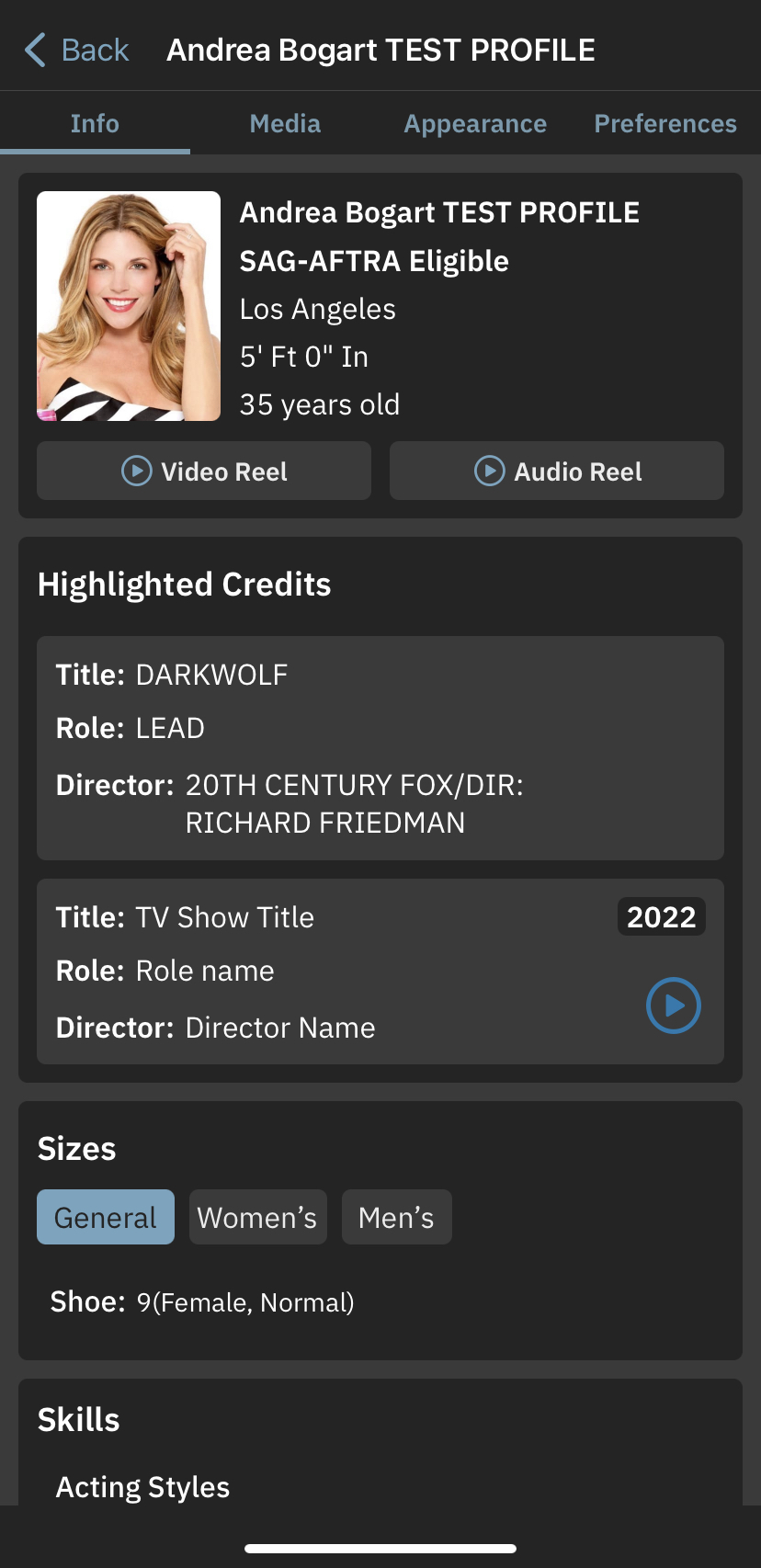
You can view request details and talent profiles directly within the app.
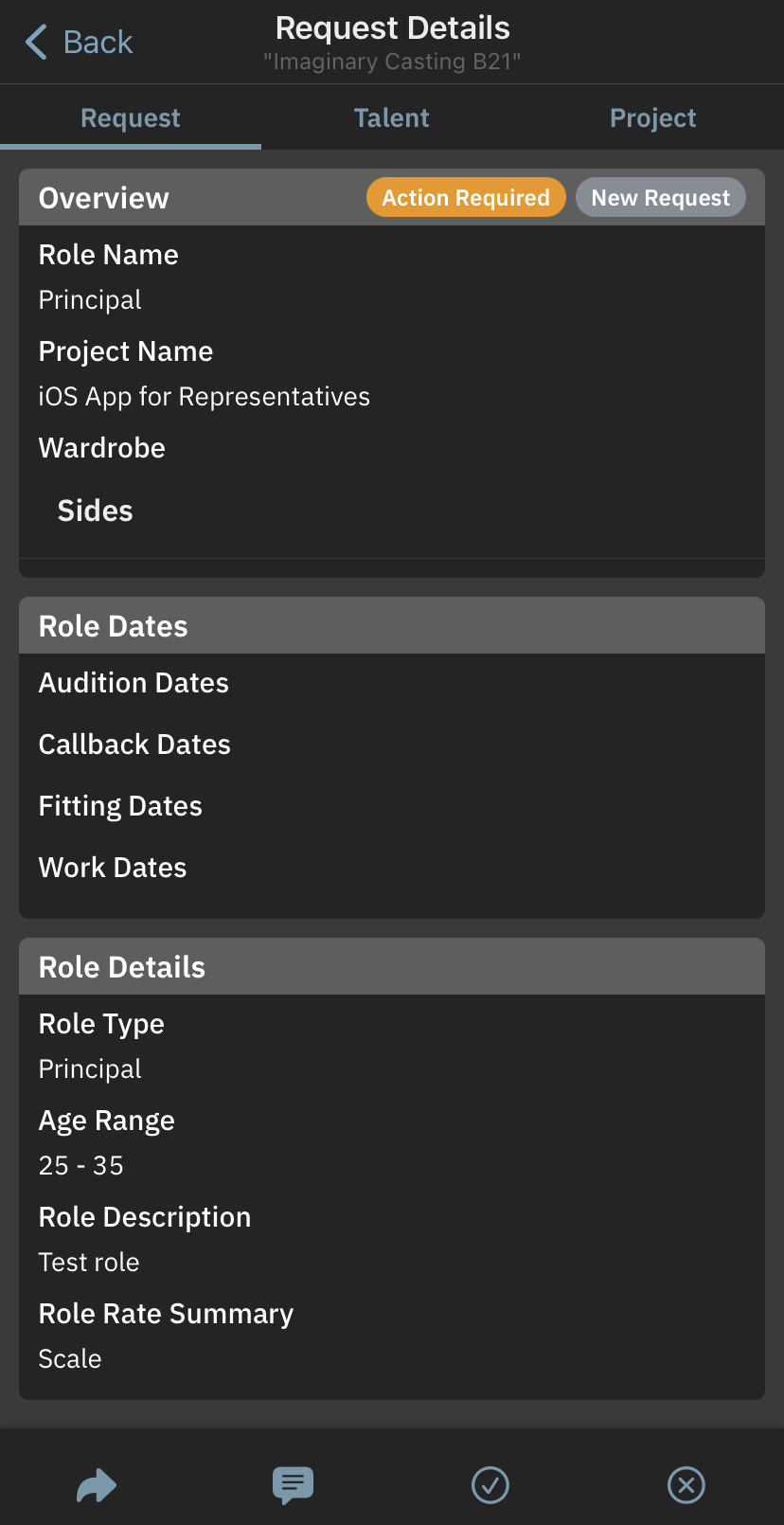
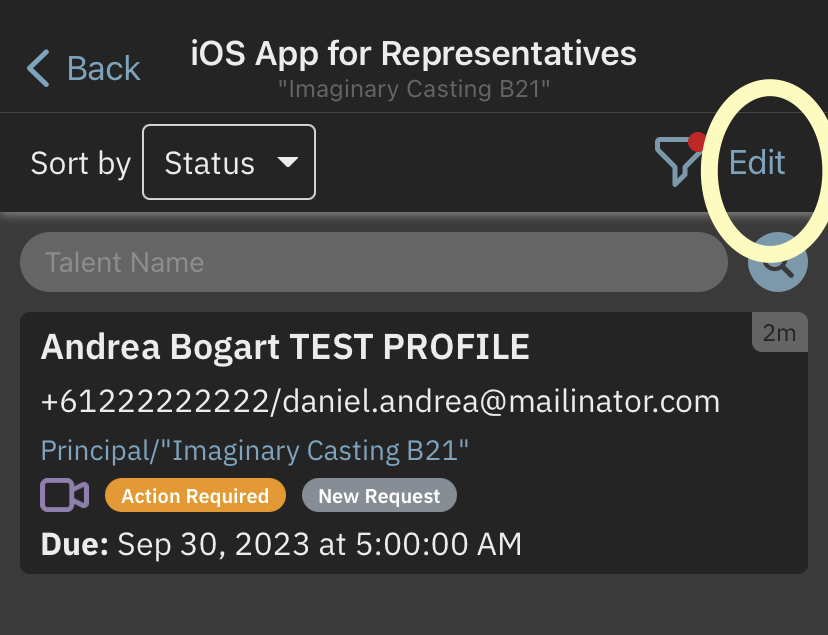
To forward a request to talent:
Tap Edit.
Select the desired request.
Tap Forward to Talent.
If you have Media Gating turned on, you can utilize the following features:
Review Response
Request Changes From Talent